1. Login Krungthai Next Application.
2. Please tap “Payments” menu.
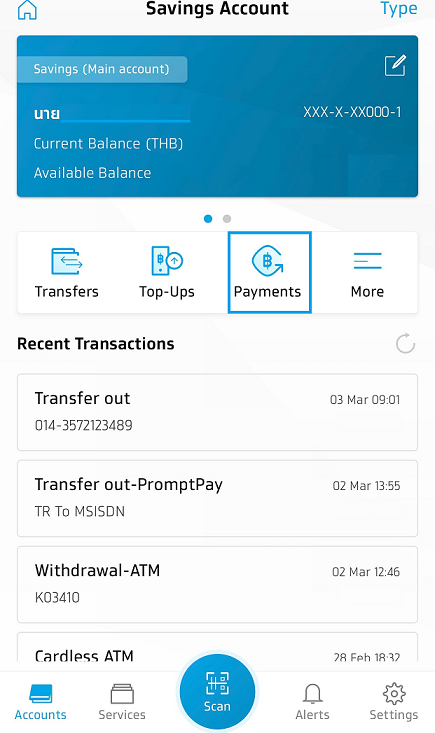
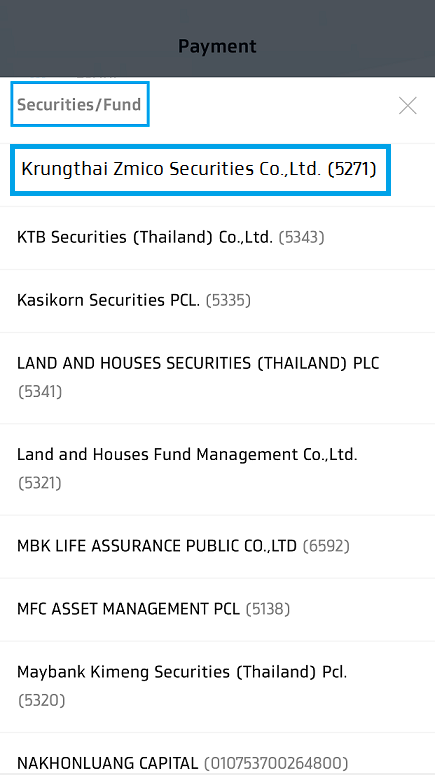
3. Please tap “Category” menu and find name of “Krungthai XSpring Securities Company Limited” as two methods following:
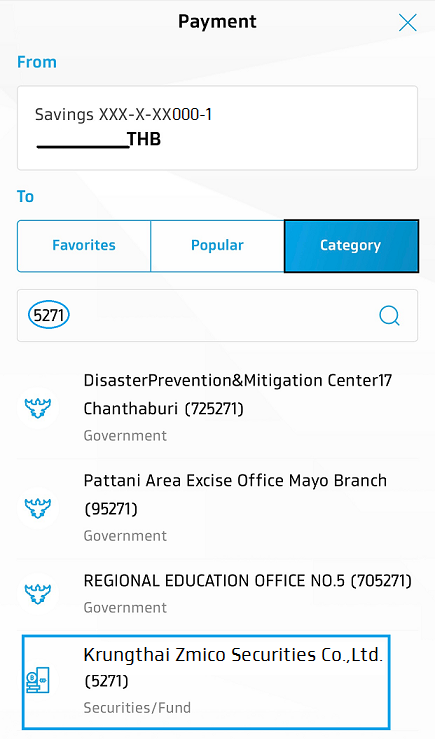
- Input the code 5271 and then the screen will show Krungthai Zmico Securities Company Limited (5271).
- Slide down and tap at “Securities/Fund” menu. After that, choose Krungthai Zmico Securities Company Limited (5271).
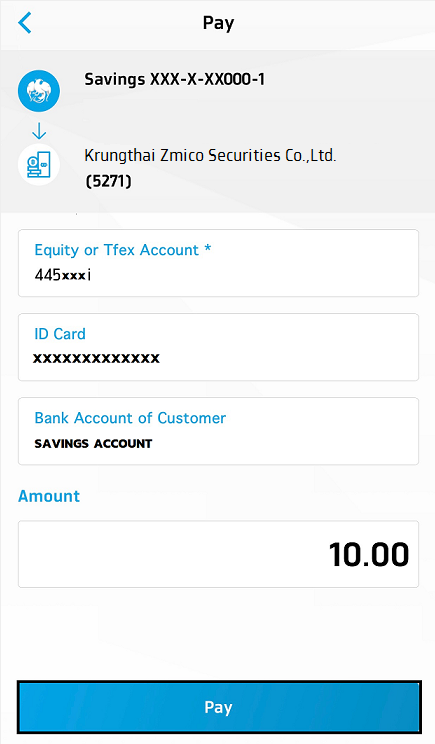
4. After that, the pop-up message will be shown and please complete the details as below:
- Securities Trading Account
- ID Card
- Bank Account of Customer
- Amount and tap “Pay” button
5. Please re-check your transaction and tap Confirm button. After that, the screen will show pop-up message asking for 6-digit PIN code of Krungthai NEXT.
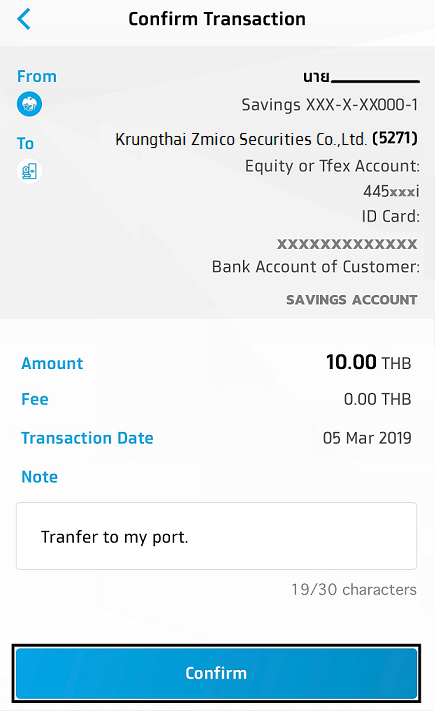

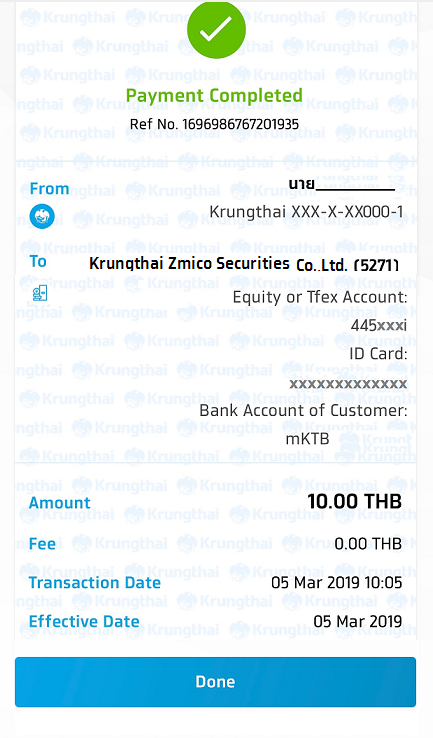
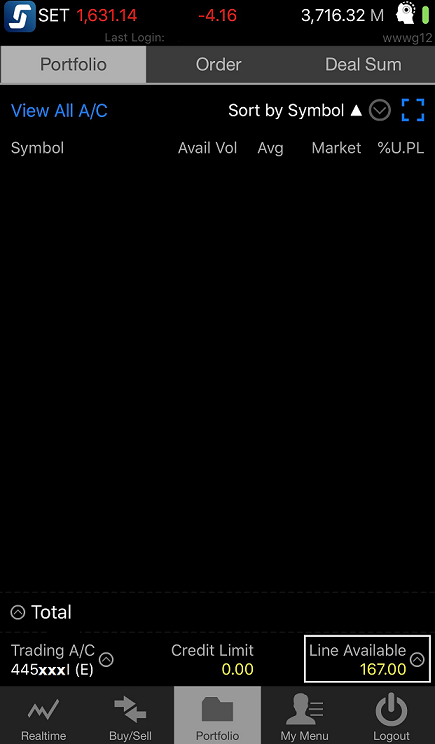
6. The screen will show Payment Completed and the balance will be updated immediately. You can check the deposit balance on the trading system.